

Smart pet camera technology gives pet owners a way to monitor, interact with, and reward their dogs and cats remotely—combining mobile app convenience with features like 2-way audio, bark alerts, and treat dispensing.
Key Takeaways
- Smart pet cameras let you see, talk to, and reward pets from anywhere, but subscription costs and privacy concerns may be overlooked by most buyers.
- AI bark detection and treat-dispensing work well in top models, but issues like unreliable hopper mechanisms or limited app compatibility remain common pain points.
- Before purchasing, check for hidden costs, app permissions, and whether crucial features require cloud subscriptions.
- What Is a Smart Pet Camera and Why Use One?
- How to Choose and Set Up a Smart Pet Camera: Step-by-Step Guide
- Advanced Analysis & Common Pitfalls with Smart Pet Cameras
- Conclusion
- Frequently Asked Questions
What Is a Smart Pet Camera and Why Use One?
Smart pet cameras combine live video streaming with interactive features such as 2-way audio, smart alerts, and remote treat dispensing. Designed to bridge the gap between busy schedules and devoted pet care, these devices let you check in, soothe, and even reward your pet in real-time while you’re away.
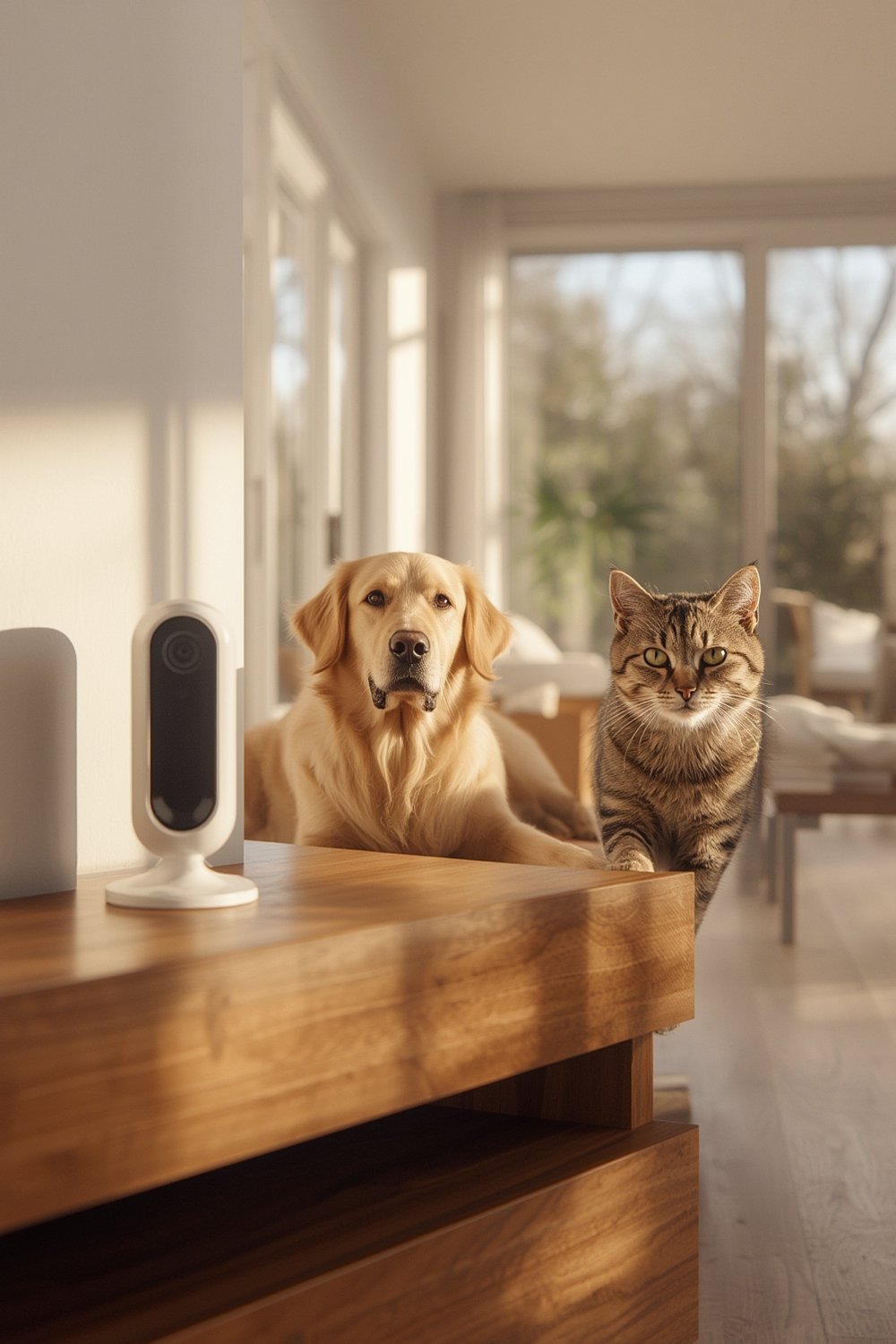
The core advantages are clear. These cameras provide peace of mind through high-resolution monitoring (commonly 1080p or 2K), alert you with AI-powered notifications like barking or meowing, and allow interactive communication—often tossing a treat or sending a comforting message with just a tap on your phone.
Many pet owners choose a smart pet camera to curb separation anxiety in pets, monitor potential misbehavior, or simply enjoy daily check-ins with animals while at work or traveling. Unlike traditional security cams, these devices are tailored for animal movement tracking and specific pet sounds, using AI to differentiate between barking and other background noises [source].
This technology is continually improving with more accurate sound analysis, reliable treat dispensers, and tighter app integrations, positioning products like Furbo or Eufy D605 at the top of many review lists—and driving ongoing demand into 2025 and beyond [source].
How to Choose and Set Up a Smart Pet Camera: Step-by-Step Guide
Getting started with a smart pet camera isn’t just about picking the shiniest device. Follow these direct steps to find and install the best system for your pet’s needs:
- Set your priorities. Do you want 2-way audio, treat tossing, AI-powered bark/meow notifications, or local/cloud storage for video? Decide which features are a must.
- Compare core models. Consider leading brands such as Eufy D605 and Furbo for dogs, and review treat-compatibility and 2-way audio clarity. Lesser-known models may work well but often lack app polish or long-term support.
- Check subscription requirements. Many advanced features like cloud recording or AI alerts require additional monthly fees—especially with Furbo (Dog Nanny subscription) while Eufy D605 often offers key features without any subscription [source].
- Confirm mobile app compatibility. Thoroughly research if the camera’s app works on all your devices (iOS/Android), and if it supports multiple users or households; some models may not support simultaneous logins or may have buggy multi-device pairing.
- Consider privacy controls. Look for models offering local storage and robust permission settings to avoid always-on cloud streaming to manufacturer servers.
- Install following best practices. Mount the camera near your pet’s usual hangout and keep Wi-Fi signal strong. Calibrate the alert thresholds (especially bark/meow detection) to reduce annoying false notifications.
- Test treat dispenser and audio features. Before leaving your pet alone, ensure the treat hopper is loaded and unclogged, and try 2-way audio by talking to your pet or playing back a voice command.
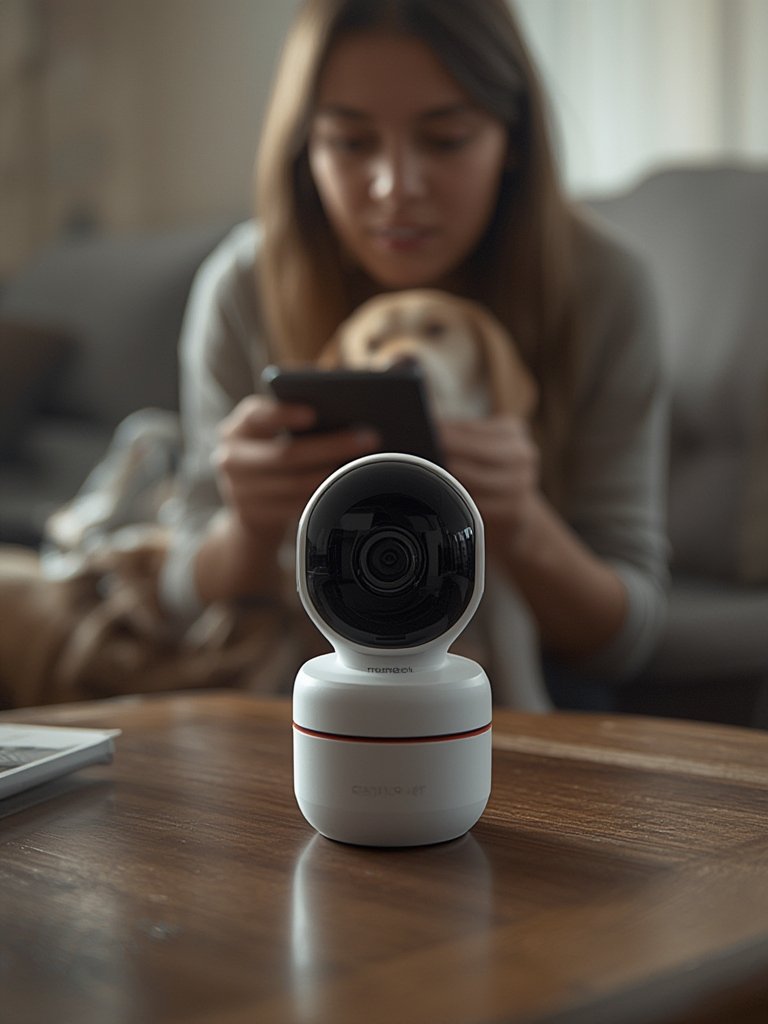
If you have cats instead of dogs, remember that treat-dispensing effectiveness and AI alerts may vary. Few brands cater to cats specifically, so testing and camera placement matter even more. For additional insights on cat devices, read about the best automatic cat litter box models, which offer parallel peace-of-mind technology.
Finally, always update firmware and app software as manufacturers frequently address reliability, compatibility, and security via updates.
Advanced Analysis & Common Pitfalls with Smart Pet Cameras
Smart pet cameras add genuine value—but the tech is not flawless. Based on cross-referenced research, these are the most common issues and advanced points to consider:
- Unreliable treat dispensers. While most advertise “anti-clog” designs, treat hoppers still jam if the wrong treat size or shape is used. Regular cleaning is required. Long-term durability is unclear for most models [source].
- Variable bark/meow detection accuracy. Advanced cameras like Furbo 360° use AI bark mapping and multi-mic arrays, boasting up to 83% spatial accuracy—but false positives can still occur with loud TVs, household noise, or non-pet vocalizations [source].
- 2-way audio can confuse some pets. While intended to soothe, some pets may become more anxious from a disembodied voice. It may take gradual exposure or using pre-recorded commands to achieve calming effects.
- Hidden costs and cloud dependency. Popular models like Furbo require ongoing subscriptions for full functionality, such as cloud recording and advanced alerts. Eufy’s D605 avoids this by providing local storage but is not immune to app bugs or hardware quirks.
- Limited cross-platform support. Not all cameras’ apps support both iPhone and Android seamlessly, and problems can arise with setup in households with multiple accounts or devices.
- Privacy trade-offs. Many buyers overlook the fact that always-on microphones and cloud-reliant apps can store or transmit sensitive audio/video. Local storage options and robust permission controls are musts for privacy-conscious families.
| Model | Key Features | Subscription Notes |
|---|---|---|
| Eufy Pet Camera D605 | 2K resolution, 360° pan, treat dispenser, 2-way audio, anti-barking | 16GB local storage; no subscription for core features |
| Furbo | 1080p, 360° pan, treat tossing, 2-way audio, barking alerts | Dog Nanny subscription needed for cloud recording and advanced alerts |
For context, treat camera and accessory costs aren’t always disclosed up front—so check reviews carefully. If you want to round out your pet care technology setup, consider pairing your smart pet camera with a smart pet feeder or an automatic cat water fountain. GPS fence collars can also complement indoor cameras if your dog is routinely outside; see our complete GPS dog collar fence guide.
Conclusion
Smart pet cameras provide an invaluable window into your pet’s world. Models featuring treat dispensing, 2-way audio, and smart alerts give you reassurance and a way to interact from anywhere—yet it’s essential to weigh subscription costs, potential technical headaches, and privacy implications. Start by choosing a model that matches your technical comfort and prioritizes local storage and proven app reliability. If you want even greater oversight of your pet’s daily routine, augment your smart pet camera with a no-subscription pet GPS tracker collar for an all-around safety net. Ready to invest in your pet’s well-being? Explore trusted models and upgrade your monitoring setup today.
Frequently Asked Questions
Can I use a smart pet camera for both cats and dogs?
Yes, although treat dispensing and AI alert features are typically optimized for dogs. Check that treat hoppers allow small treats and that the AI can distinguish cat sounds if you have feline companions.
Are there ongoing costs with smart pet cameras?
Many top models charge a monthly subscription for advanced features such as cloud recording, AI event logs, or even some notifications. Models with local storage like Eufy’s D605 avoid these fees for core use.
Will my pet react negatively to 2-way audio or treat tossing?
Some pets may initially be wary or startled by remote commands or flying treats. Try using a calm, familiar voice and start slow with the treat dispensing feature to allow acclimation.
Is cloud storage for video safe or private?
Cloud storage can introduce privacy risks if microphones are always on or if recordings are stored with minimal encryption. Opt for devices offering local storage and limit app permissions for enhanced privacy.
Do smart pet cameras work without Wi-Fi?
Most require a stable home Wi-Fi connection for live streaming, cloud features, and mobile app control. Some record locally during outages, but remote interaction isn’t possible without connectivity.