

Smart pet feeder technology is reshaping pet care for busy owners, but its benefits, costs, and pitfalls are often misunderstood. This guide delves into what these devices really offer, how to choose and use them, and the major problems to watch out for, so you can make informed decisions and avoid surprises.
Key Takeaways
- The smart pet feeder market is growing fast, driven by WiFi features and remote access, but battery life and app reliability remain major issues.
- Most feeders offer scheduled feeding, remote monitoring, and customizable portions, but security and privacy concerns are rarely addressed by manufacturers.
- Price transparency, subscription fees, and detailed user pain points are commonly missing from top resources; always check for hidden costs and real-world reliability before buying.
- What Is a Smart Pet Feeder and Why Does It Matter?
- Step-by-Step Guide: How to Select, Set Up, and Use a Smart Pet Feeder
- Advanced Analysis & Common Pitfalls with Smart Pet Feeders
- Conclusion: Is a Smart Pet Feeder Worth It?
- Frequently Asked Questions
What Is a Smart Pet Feeder and Why Does It Matter?
A smart pet feeder is an automatic feeding device that connects to your home WiFi and lets you schedule, portion, and monitor your pet’s meals using a mobile app, even when you’re away. In 2024, the smart pet feeder market grew to $1.72 billion globally and is projected to hit $2.86 billion by 2028, fueled by urban pet owners seeking convenience and more control over pet nutrition. Smart pet feeders use wireless connectivity and sometimes integrate with cameras, voice assistants, or even activity trackers to automate feeding and provide peace of mind.

Typical features include:
- Scheduled feeding via app or device panel.
- Portion control for weight management.
- Real-time notifications for feeding status or device errors.
- Optional camera monitoring or voice interaction.
For most owners, these tools bring a blend of convenience and precision. That said, ongoing growth is not just due to the “cool” factor. Urbanization, remote work, and a rise in tech-savvy pet owners have turned smart feeders into a mainstream product, especially for dogs (nearly 67% of the market) and for those who worry about regular feeding at set schedules.
If your interests include optimizing your pet’s routine hydration, you might also benefit from our complete guide to cat water fountains for a holistic approach.
Step-by-Step Guide: How to Select, Set Up, and Use a Smart Pet Feeder
Making the most of a smart pet feeder doesn’t mean buying the first model with a top rating. Here’s a stepwise approach based on market data and user experiences:
- Clarify Your Pet’s Needs
- Dogs and cats have different requirements. Although dogs make up 66.6% of the market, cats are the fastest-growing group due to indoor lifestyles and stricter portion needs (source).
- For multi-pet or single-pet homes, look for biometric or AI-driven feeders to avoid double feeding.
- Decide on Must-Have Features
- WiFi control and app notifications top the list (65.88% market share).
- Scheduled feeding and customizable portions prevent obesity, a rising concern with indoor cats and small dogs. Some feeders recommend diets or adjust portions using AI algorithms.
- Camera integration is rare but possible; opt for HD/1080p if you want remote viewing.
- Voice assistant compatibility (e.g., “Alexa, feed Max at 7pm”).
- Consider capacity: 3L-5L is the most popular range at 58.28% of global sales.
- Check App Reviews and Brand Reputation
- Look at recent app reviews, not just device ratings. Many feeders have beautiful hardware but fail due to buggy or unsupported mobile apps.
- Brands like Petnet, Dogness, and C&A Marketing lead the industry but examine whether their support and firmware are actively maintained.
- Setup and Placement
- Set up on a stable WiFi connection. Prefer 2.4GHz networks since many feeders can’t support 5GHz bands.
- Use battery backup if possible, but expect batteries to drain faster than on basic automatic feeders (source).
- Don’t place in low-WiFi areas (garages, basements) if you want real-time alerts.
- Monitor and Test
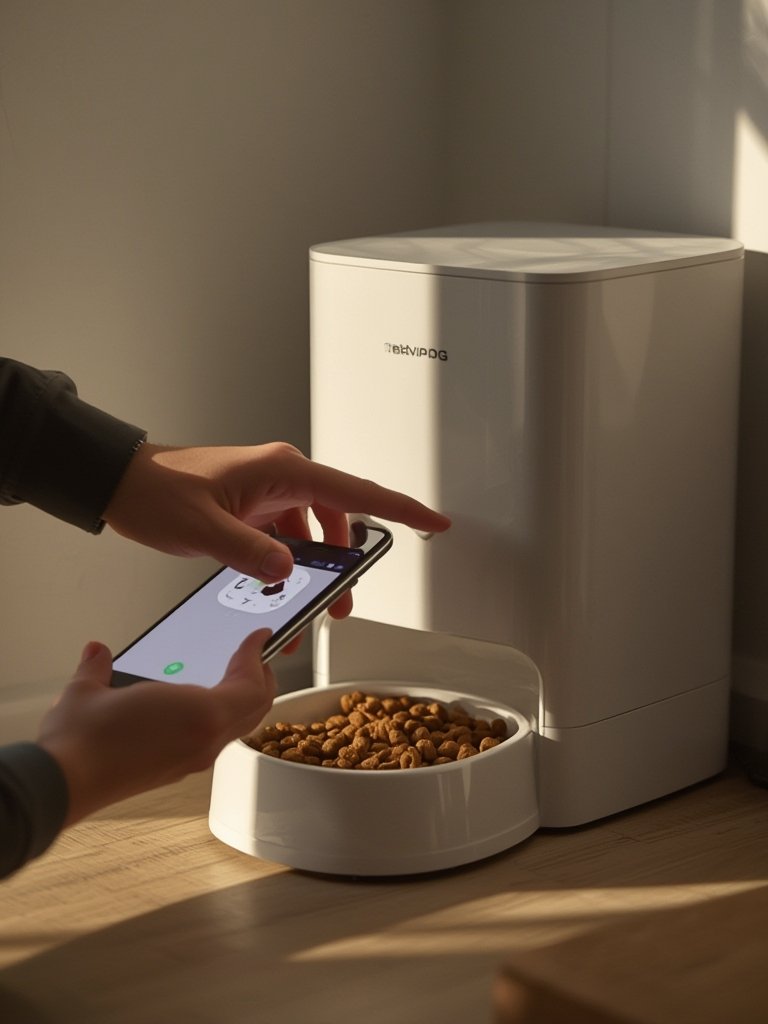
- Test the scheduled feedings for a few days while you’re home, observing portion accuracy and app reliability.
- Set push notifications for feeding success/failure and low battery warnings, if supported.
- If you plan on frequent travel, inform a backup caretaker about possible app or WiFi issues.
Still not sure which feeder best fits your household rhythms? Compare with other automated pet devices, like the top-rated self-cleaning litter boxes if you have cats, to build a fully automated pet care ecosystem.
Finally, remember that long-term maintenance costs (subscription fees, battery swaps, possible replacement of parts) are rarely advertised up front. There’s sparse independent data comparing the full ownership costs, so contacting support before buying is always wise.
Advanced Analysis & Common Pitfalls with Smart Pet Feeders
Despite their popularity, smart pet feeders come with recurring issues and practical shortcomings that most reviews overlook. Here are the most reported pitfalls and direct comparisons.
- Short Battery Life: WiFi and motors drain batteries fast, meaning frequent changes—even with power-saving designs (source).
- Unreliable Connections: Many feeders lose WiFi or app connections, disrupting feeding schedules. Cheap routers and dense WiFi environments make this worse.
- Feeding Schedule Glitches: Some users notice skipped meals or incorrect portions due to device bugs or outdated apps.
- Opaque Security Standards: No leading manufacturer publishes details about camera encryption, app security, or GDPR compliance (source).
- Lack of Transparent Pricing: Subscription models and ongoing maintenance (new batteries, firmware, premium app features) are rarely clear up front (source).
| Feature | Typical Smart Feeder | What to Watch Out For |
|---|---|---|
| App Control (WiFi/Bluetooth) | Real-time meal scheduling Portion changes via app |
App updates can break compatibility; some feeders lose WiFi easily, especially in larger homes |
| Scheduled Feeding | Custom mealtimes, up to 10/day | Missed or doubled feedings if clock resets, app bugs, or power loss occur |
| Remote Monitoring (Camera) | Live video of feeding area via app | No published security specs; unclear privacy standards; may risk home network |
| Portion Control | Preset by weight (grams/ounces) | Inaccurate measurement for small pets or kibble shapes |
| Subscription/Long-term Cost | Most claim “no subscription” but may charge for premium app features | Hidden fees for advanced scheduling or camera cloud storage; battery and part replacement costs not advertised |
Another detail missed by most top-ranking articles—security. With WiFi cameras and smart controls, owners face unknown risks of data breaches. For a more secure smart ecosystem, it’s worth researching products that emphasize encryption, like modern GPS dog fence collars that advertise stricter data standards.
If your pet mainly stays indoors, the downsides of lost WiFi or feeder bugs may be less severe. For those who travel or rely on cloud features, always set a manual feeding backup and regularly update your devices’ firmware and passwords.
Conclusion: Is a Smart Pet Feeder Worth It?
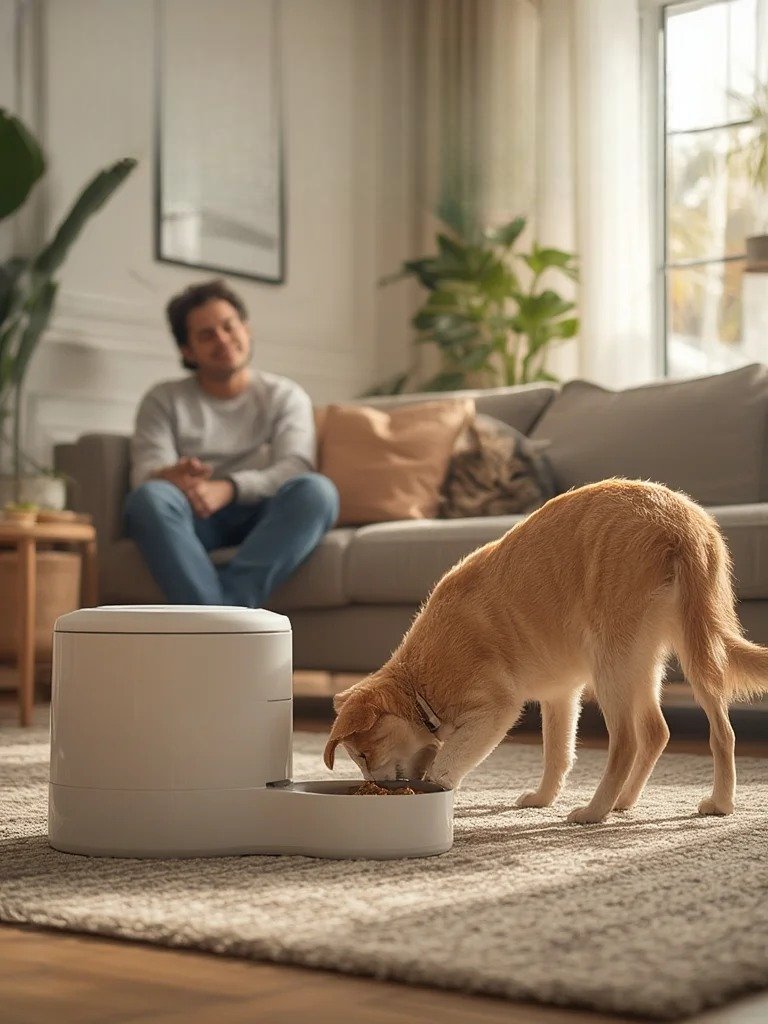
Smart pet feeders offer a major upgrade in flexibility and peace of mind for tech-savvy owners or frequent travelers. However, real-world issues like battery drain, poor app support, unknown privacy risks, and unclear ownership costs mean these devices are not a magic solution. Evaluate your expectations, research each feeder’s app reliability and costs, and use smart feeders to complement—not replace—your daily pet care.
Ready to see how a smart pet feeder could fit your lifestyle? Compare features, check app reviews, and always keep an eye on hidden costs before clicking “buy.”
Frequently Asked Questions
Do smart pet feeders require a subscription for basic use?
Most smart pet feeders offer basic scheduled feeding without a monthly fee, but features like cloud video storage or extended scheduling often require paid subscriptions. Always check the app’s terms before buying.
How reliable are smart pet feeders when the WiFi goes down?
Most feeders will run pre-set schedules even if the WiFi drops, but real-time notifications, remote changes, and camera feeds won’t work. Always test offline operation before relying on the device, and have a backup feeding plan.
Are smart pet feeders secure and private?
Few manufacturers publish clear data about camera encryption or privacy standards. If security is a concern, look for models that offer WPA2/WPA3 WiFi protection and avoid using default passwords.
What size smart pet feeder is best for large dogs or multi-pet homes?
For large dogs or multiple pets, choose feeders with a 5L+ capacity and check for anti-jam or biometric features to ensure animals don’t “double feed” each other.
Is a smart pet feeder better than a regular automatic feeder?
Smart pet feeders add remote control and monitoring but can be less reliable if your WiFi or app service is unstable. For low-maintenance needs or unreliable networks, a high-quality automatic feeder may be a better fit.
—